Docs / Unattended access
Set up unattended access
Servers, branch computers and machines nobody sits at accept sessions with an access password instead of a person's approval. Unattended access is part of the Starter plan and higher.
1. Set an access password on the remote computer
- On the computer you want to reach, open Settings and the This computer tab.
- In the Access password card, enter a long password twice and press Set access password.
- Optionally add the IDs that may use the password to the Unattended access allowlist. Then only those computers can connect without confirmation.
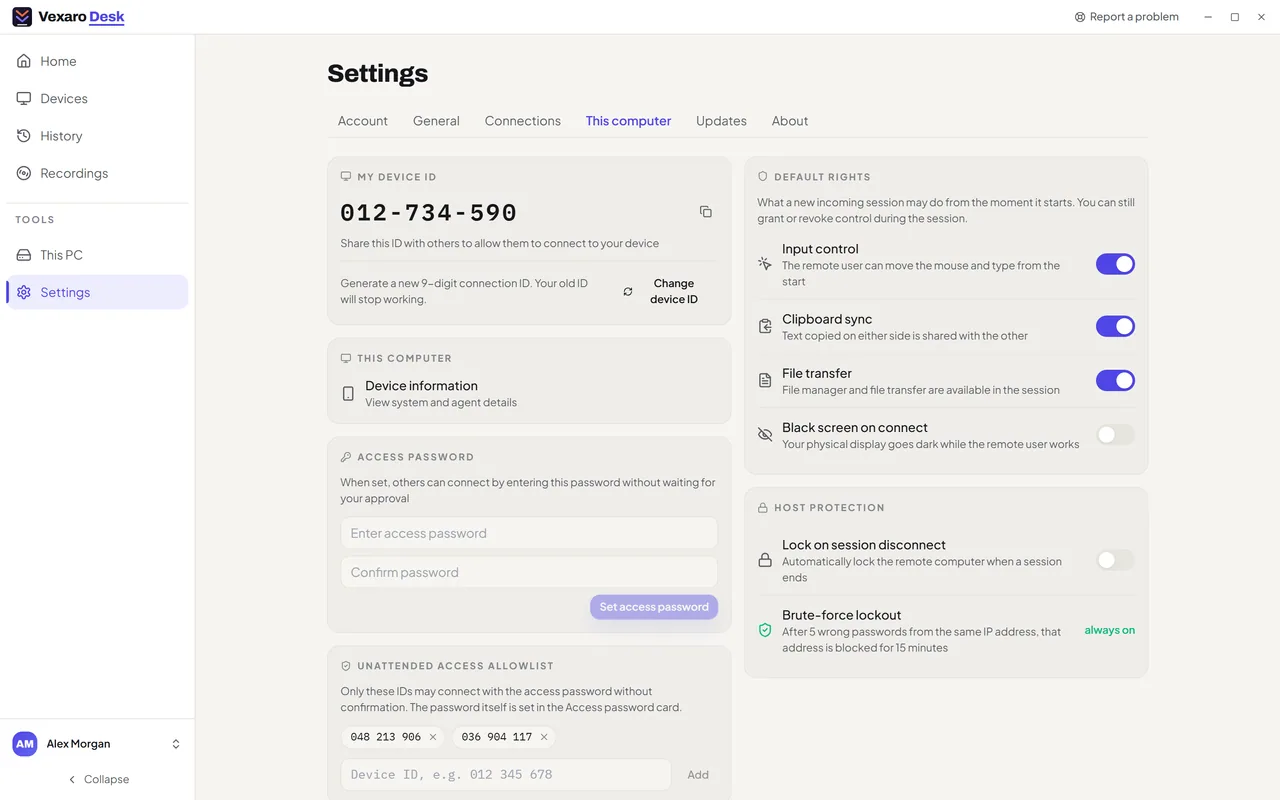
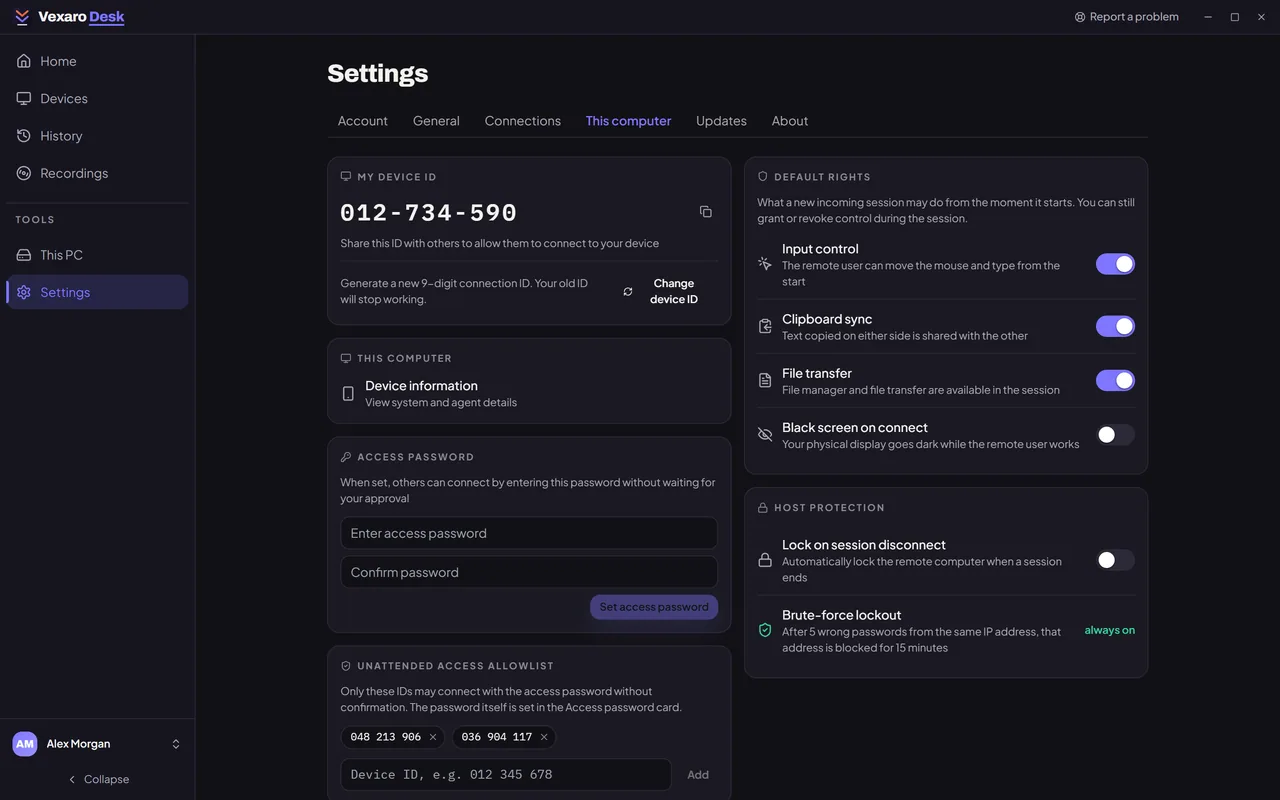
After five wrong passwords from the same address, that address is blocked for 15 minutes. This lockout is always on.
2. Make it work before anyone signs in
- Install Vexaro on that computer for all users. Then it starts with Windows and you can connect at the sign-in screen.
- Keep Auto-start with Windows on.
3. Connect with the password
- On your computer, enter the remote computer's ID under Connect to a device.
- Press Have an access password? and enter the password. Tick Remember for this computer if it is your own: saved passwords are encrypted for your Windows account.
- The session starts at once, without waiting for anyone. It is written to your organization's audit log.