Remote access for business
without paying per seat
Connect to Windows computers by Vexaro ID, with no network setup. Roles, an audit log and session recording for your team. In our cloud or on your own servers.
A Free plan for any use, business included. Export your logs anytime.
For IT departments, helpdesks, system administrators and MSPs.
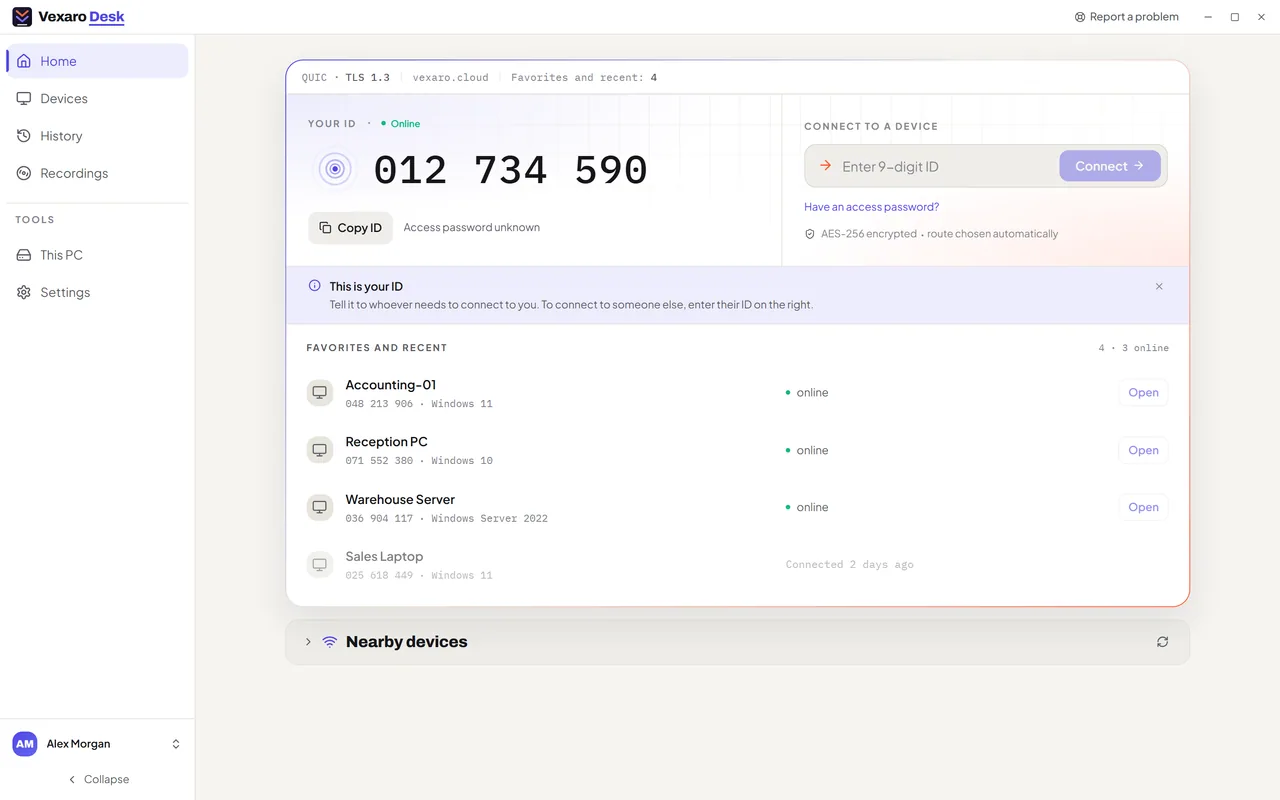
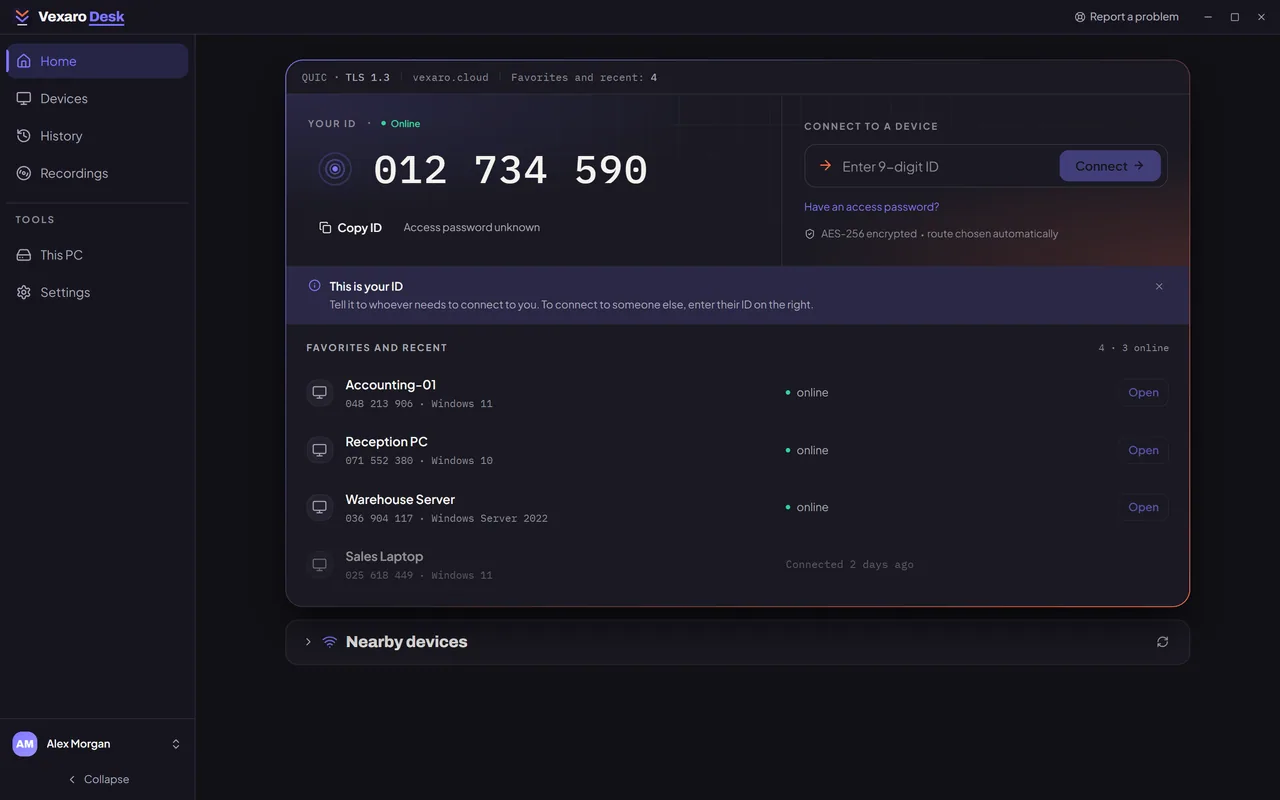
Your computers and recordings in one app
This is the Windows app after you sign in. Names and IDs in the pictures are examples.
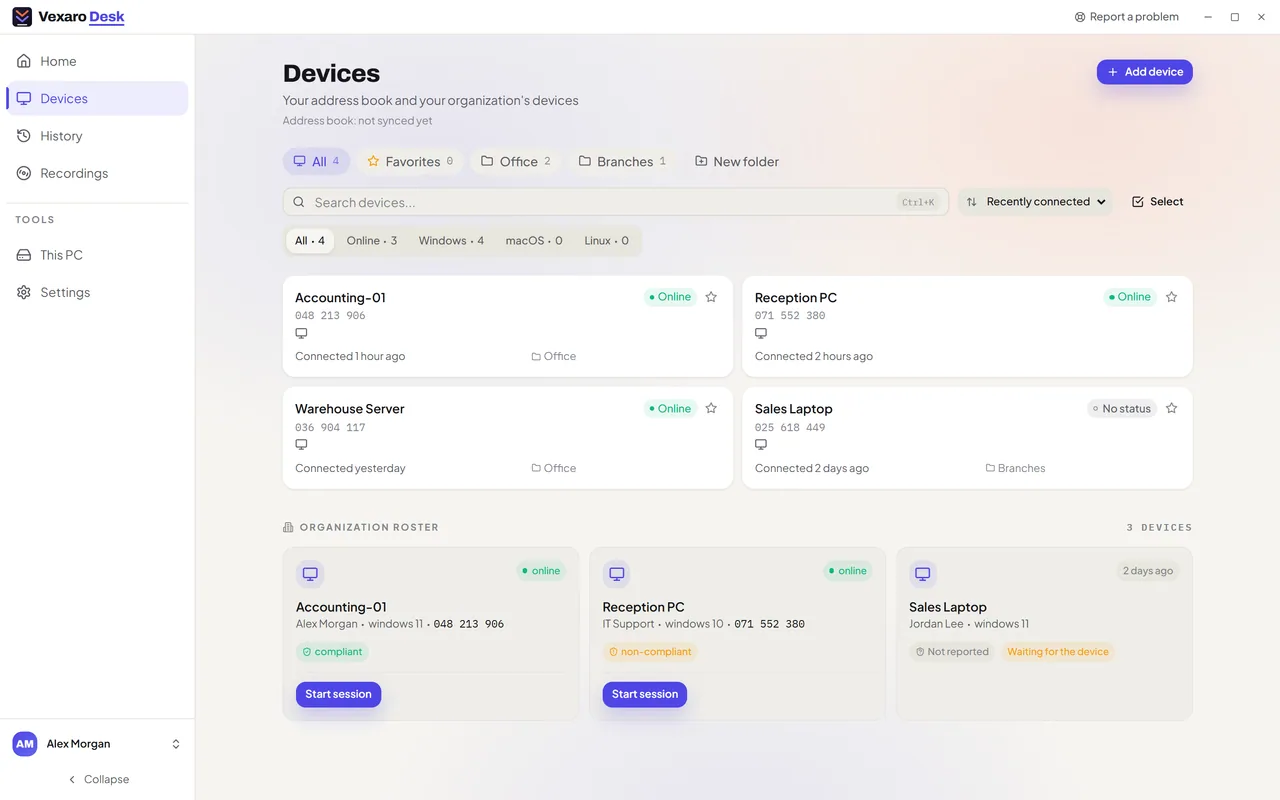
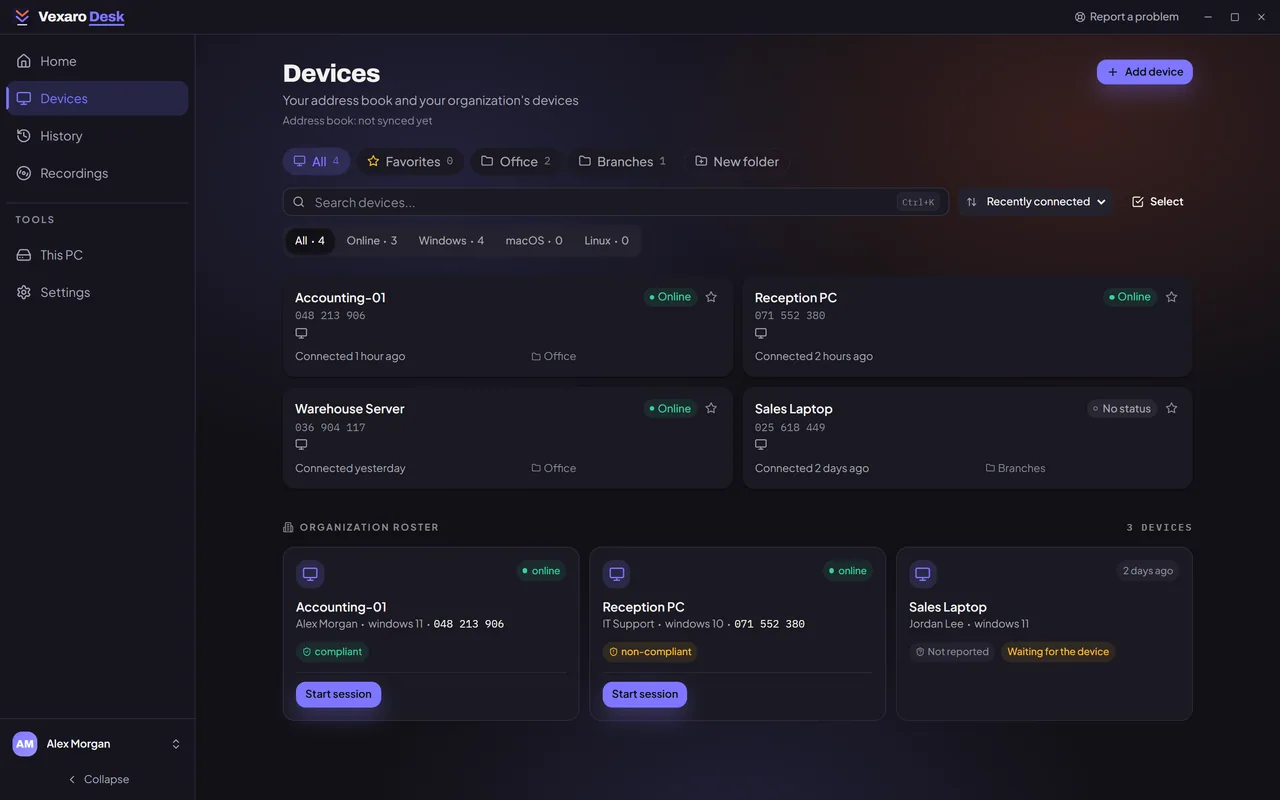
Devices
Your address book with folders, who is online right now, and your organization's computers.
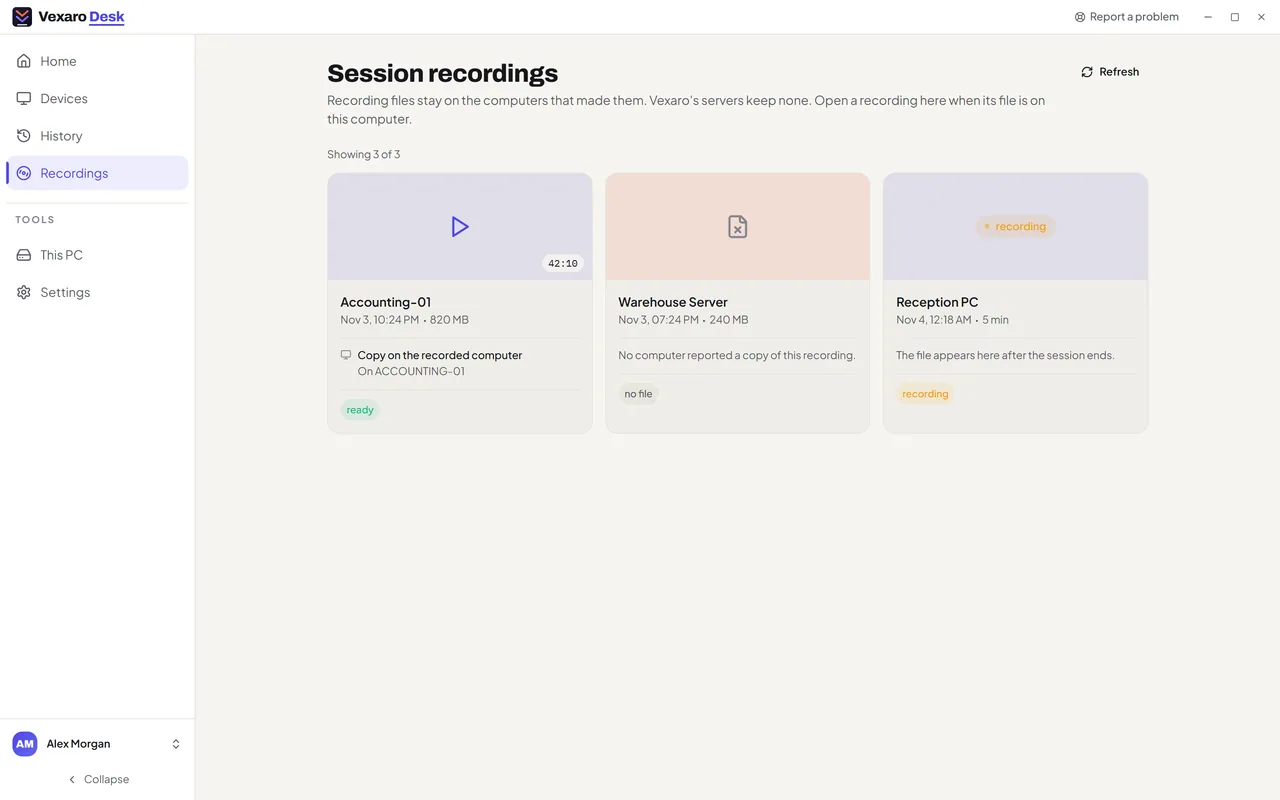
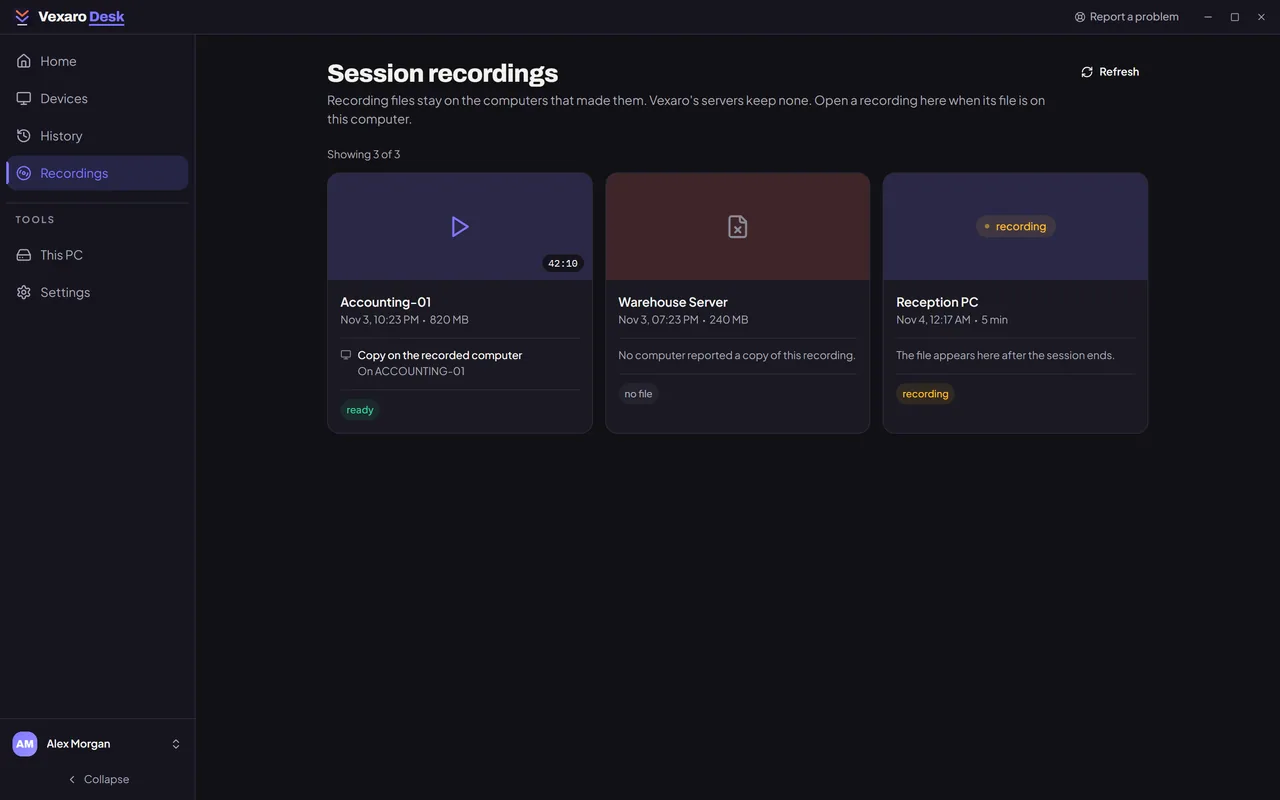
Session recordings
Recordings stay on the computers that made them, never on our servers. You open them here.
Compare the price with what you pay now
Many remote-desktop tools charge per seat. Vexaro Desk charges one flat monthly price per plan, with operators included: 10 on Team, 50 on Business. Enter what you pay per seat today to compare.
Enter what you pay per seat each month today. We compare it with the Vexaro Desk plan that fits your team.
Support without screenshots and long explanations
The typical scenario: an employee reports a problem, the admin asks for a screenshot, and then comes a long call with step-by-step instructions. Clarifying the details often takes longer than the fix itself.
A simple task turns into lost time and downtime. With Vexaro Desk: the specialist connects to the computer, sees the problem and fixes it on the spot. Who connected and when stays in the connection history.
Move from TeamViewer, AnyDesk, or RustDesk with your address book
Import devices, users and groups from a CSV. Connecting by ID and by password works the way you are used to.
Import your address book
Upload a CSV of devices, users or groups exported from your current service and map its columns to Vexaro fields.
Familiar workflows
Attended access by ID and unattended access with a password work the way you're used to, so there is nothing new to learn.
We'll help you start
You create your workspace yourself when you sign up. If you want help with the first sessions, write to us.
Connect in four steps
The user opens the app
No sign-up needed: the Windows app is enough.
They share their Vexaro ID
You request a connection; nothing starts until the user accepts.
You fix the problem
See the screen, control mouse and keyboard, transfer files, reboot the machine.
Everything is logged
Who connected, when, to which device, with which rights, and for how long.
Helping users, servers and branches
From a one-off fix for a user to ongoing administration of servers and branches, all in one console.
Attended support by Vexaro ID
The user beside the device reads out their Vexaro ID and accepts your request. You connect, help, and end the session.
Helpdesk, clients, staff, finance, remote teams
Unattended access to your devices
Install the agent on servers, office PCs, point-of-sale terminals and workstations, then connect with the device's access password.
Servers, branches, POS, workstations, infrastructure
Customer support
Help customers right on their device. Instead of asking them to describe the problem, connect and fix it.
Service companies, SaaS, integrators, support teams
Branch management
Service devices across offices from one place. Sort machines into address-book folders by branch, department, and client.
Distributed companies, banks, retail, logistics
What your security team will ask, and what you can show them
Connecting to a computer is only the start. A business also needs to know who connected, with which rights, and what they did.
Security and control
When a person sits at the computer, a session starts only after they accept it. You always know who connected, when, to which device and for how long, and a recording shows what happened.
All remote support in one console
Devices, users, roles, sessions, recordings and the audit log in one place.
An interactive example of the web console. The data is made up.
Who Vexaro Desk is for
IT departments
Cut response time and keep the full connection history under control.
Helpdesk
Connect by Vexaro ID and close tickets without long explanations.
Sysadmins
Reach servers, workstations, POS, and branches without a site visit.
MSPs & outsourcing
Link client organisations, keep their machines in per-client folders, and govern your operators.
Business
People wait less for help: the specialist connects without travelling to them.
Security teams
Control access, rights, recordings, logs, and operator actions.
In the cloud or on your servers
Cloud: quick to start
No servers to deploy and no routing to configure. Create a free account, add your team, download the Windows client and start connecting.
Good for: small teams, customer support, outsourcing, a quick start.
Self-hosted: full control
Servers, logs and routing stay with you. Deploy inside your own network, without depending on our cloud.
Good for: large companies, security teams, closed networks, critical infrastructure.
See Vexaro Desk in action
Create a free account and try secure remote access on your own machines.
You don't need to self-host to start.
Tools for remote support
Before Vexaro Desk and after
Pick the format for your team
Pay for volume, not per device. Upgrade at any time; self-hosting is available on Enterprise.
Free
- 1 operator, 5 devices, up to 2 sessions at a time
- Attended access by Vexaro ID
- File transfer
- Up to 5 sessions a day, 30 min each
Starter
- 1 operator, 50 devices, 3 sessions at a time, up to 20 a day, 2 hours each
- Unattended access via agent
- Email support
Team
- 10 operators, 500 devices, 15 sessions at a time, up to 100 a day per operator, 8 hours each
- Web console, session recording, members
- Recordings kept 30 days, connect from the browser
- Chat support
Business
- 50 operators, 2,000 devices, 50 sessions at a time, no daily or length limit
- Audit log, PDF audit export, API
- Installer / GPO / Intune
- Priority support, 99.5% uptime target
Enterprise
- 100+ operators, 5,000+ devices
- Self-host / on-prem deployment
- Custom SLA, dedicated manager
- Unlimited sessions, SSO, LDAP / AD, SIEM export, webhooks
Ready for audits and internal policies
Every connection goes into the log: who, when, to which computer and for how long. You can export the log and show it to auditors.
Logs & exportable audit
Who connected, when, to which device and for how long, with CSV and PDF export and SIEM forwarding.
Recording as evidence
Video recordings of connections for investigations, training, and proof of work to a client.
Roles & consent
Console roles, separation of duties, and a recorded consent decision in each session's evidence pack.
SSO & identity control
Sign in through your provider (SAML / OIDC) or LDAP / AD, with two-factor authentication for each operator.
Retention by plan
Logs and recording details are kept for your plan's retention period: 30 days on Team, 90 on Business and without a limit on Enterprise. The recording files themselves stay on your own computers.
Export at any time
Export audit logs and user lists as CSV at any time, and see in the console which computer keeps each recording.
Frequently asked questions
Give your team fast, secure remote access.
Install the agent on the devices you need and bring in your team. Roles, audit logs and session recording are there when you need control.
Cloud or self-hosted